Budget Planner
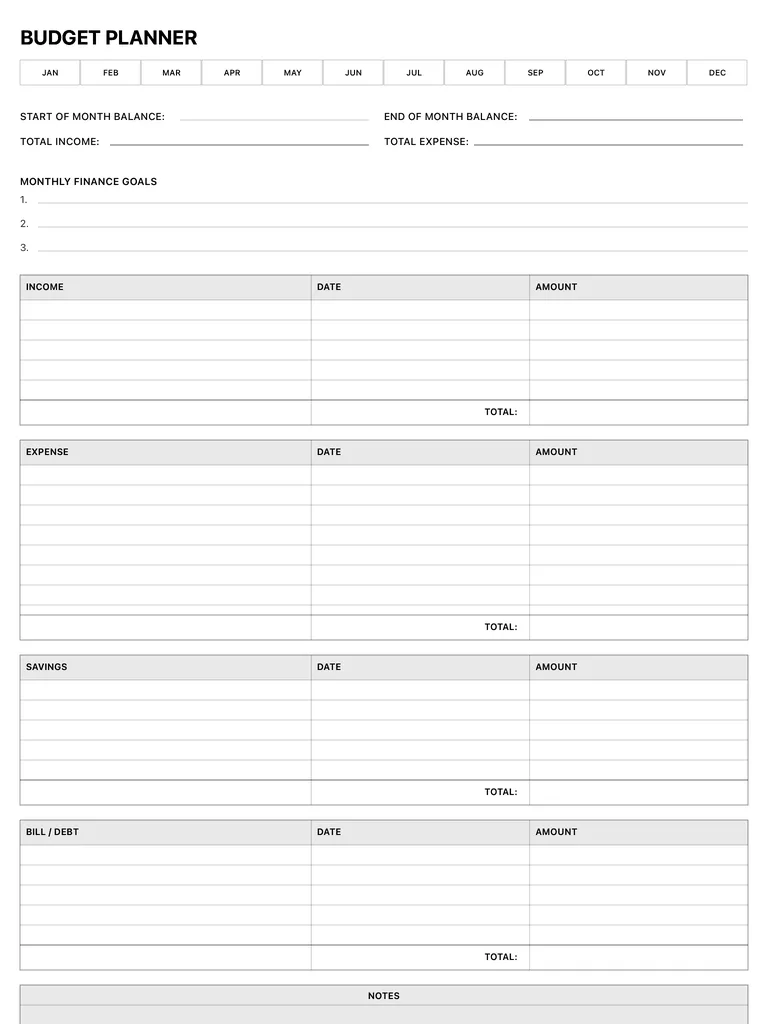
A monthly budget planner with a month selector, opening and closing balances, three finance goals, and tables for income, expenses, savings and bills or debt, each with a total. Free PDF or digital.
Free · no sign-up · PDF works for printing and in PDF note apps such as Goodnotes and Notability. Premium template in the app.
About this template
Circle the month in the Jan-Dec strip at the top, then write the start and end of month balance, total income and total expense. Set up to three monthly finance goals. Below, four tables (income, expense, savings and bill/debt) each have columns for the item, date and amount, with a total row at the bottom. A notes box closes the page. Filling it in as money comes and goes shows where it went before the month is over, not after.
How to use it
- Record income first, then plan expenses against it.
- Log expenses within a day or two while you still remember them.
- Treat savings as a line you pay, not what's left at the end.
- Compare totals with last month's page before setting new goals.
Who it's for
- Professionals: Manage meetings & deadlines
- Entrepreneurs: Plan projects & track goals
Write with Apple Pencil, a mouse or your finger. Your page is saved in this browser.

Use the Budget Planner in Planner for iPad
A fresh page every day, 132 templates, day/week/month/year views and reminders — made for Apple Pencil.
Frequently asked questions
How do I use a monthly budget planner?
Start the month with your balance and goals, record income and expenses as they happen, and total each table at month's end to compare with your plan.
Can I track debt payments?
Yes, the bill/debt table has columns for the item, date and amount.
Is there a tracker for one savings goal?
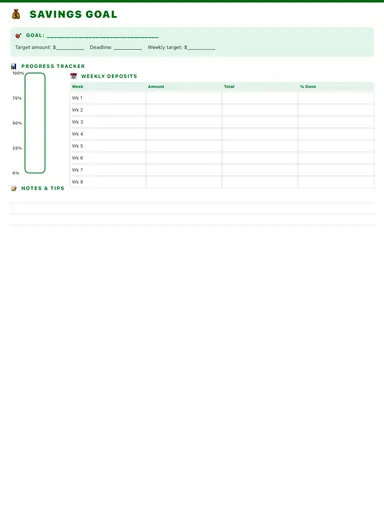
Yes, the savings tracker follows a single goal week by week.