Daily Planner
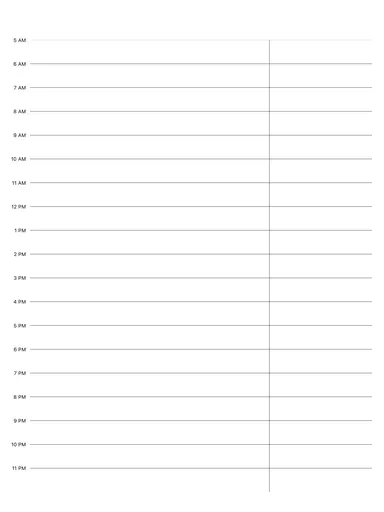
A one-page daily planner with an hourly schedule from 5 AM to 6 PM, three priorities, a Today's Focus box, a task checklist and lined notes. Free printable PDF, or write on it with Apple Pencil.
Free · no sign-up · PDF works for printing and in PDF note apps such as Goodnotes and Notability. Free in the app.
About this template
The left half is the schedule: one row per hour from 5 AM to 6 PM, each split by a dotted half-hour line, for appointments and blocks of focused work. On the right, number your three priorities and tick them off, then write a single focus for the day in the box below. Eight task lines with check circles catch the smaller to-dos, and the lined notes area holds ideas, doodles and reminders that don't fit anywhere else.
How to use it
- Pick the three priorities before you open email, then give each one a slot in the schedule.
- Use Today's Focus for one sentence about how you want the day to go, not another task.
- Leave a couple of empty hours; unplanned work always shows up.
- At the end of the day, copy unfinished tasks to tomorrow's page instead of letting them pile up.
Who it's for
- ADHD-Friendly: Clear structure helps maintain focus
- Professionals: Manage meetings & deadlines
- Students: Track classes, assignments & exams
- Entrepreneurs: Plan projects & track goals
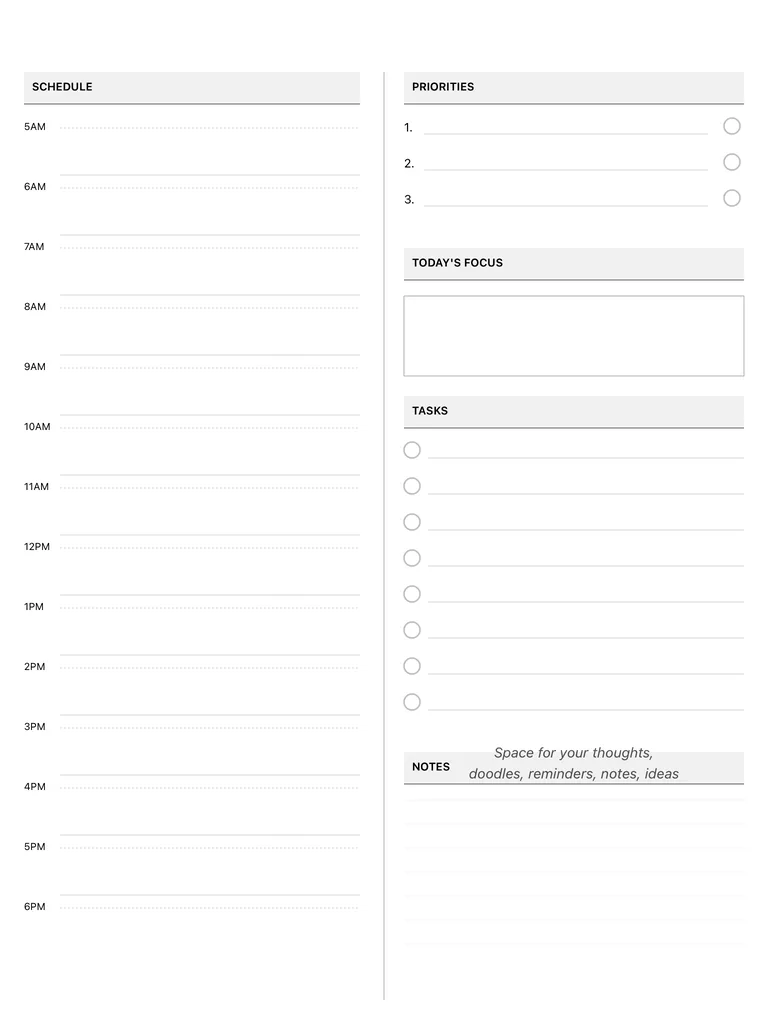
Write with Apple Pencil, a mouse or your finger. Your page is saved in this browser.

Use the Daily Planner in Planner for iPad
A fresh page every day, 132 templates, day/week/month/year views and reminders — made for Apple Pencil.
Frequently asked questions
Is this daily planner free?
Yes. The printable PDF is free here, and the daily planner template is also free in the Digital Planner for iPad Day+ app.
What hours does the schedule cover?
5 AM to 6 PM, with a dotted line marking each half hour. If you need evenings too, the hourly planner runs until 11 PM.
Can I use it every day on my iPad?
Yes. In the app you can add a new daily page each day, write with Apple Pencil or type, and switch between day, week, month and year views.