To Do List Template
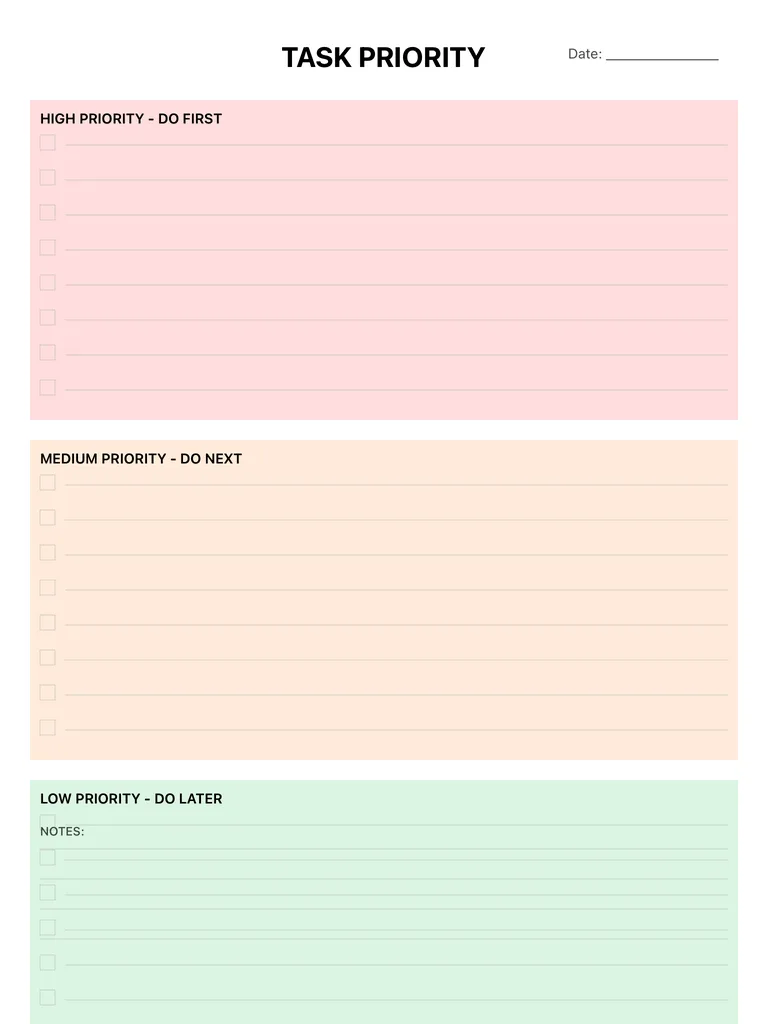
A to-do list split into three color-coded sections: High Priority (do first), Medium Priority (do next) and Low Priority (do later), each with checkbox lines. Free printable PDF or digital.
Free · no sign-up · PDF works for printing and in PDF note apps such as Goodnotes and Notability. Premium template in the app.
About this template
A plain list treats every task the same, which is how easy jobs get done while important ones wait. This page makes you sort as you write: a red High Priority block for what must happen first, an orange Medium Priority block for what comes next, and a green Low Priority block for what can wait. Every line has a checkbox, and a date line at the top lets you keep a fresh list each day.
How to use it
- Keep the high-priority block short; if everything is urgent, nothing is.
- Don't start the orange section until the red one is done or blocked.
- Move low-priority items that sit for a week to a later date or drop them.
- Rewrite the list each morning rather than adding to yesterday's.
Who it's for
- Professionals: Manage meetings & deadlines
- Entrepreneurs: Plan projects & track goals
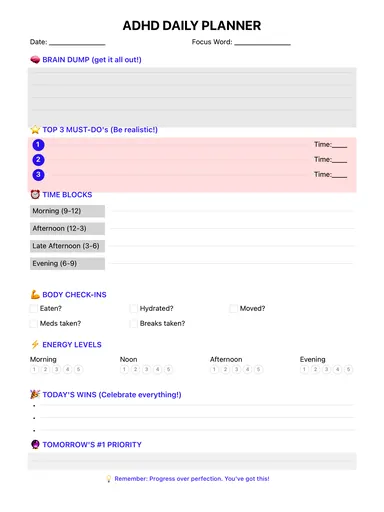
- ADHD-Friendly: Clear structure helps maintain focus
Write with Apple Pencil, a mouse or your finger. Your page is saved in this browser.
Use the To Do List Template in Planner for iPad
A fresh page every day, 132 templates, day/week/month/year views and reminders — made for Apple Pencil.
Frequently asked questions
How do I decide what goes in high priority?
Ask what has a real consequence if it isn't done today: a deadline, someone waiting on you, a cost. Those go in the red section; the rest go lower.
Is there a to do list printable?
Yes. Download the PDF and print it, or keep it on your iPad and tick the boxes with Apple Pencil.
What if I want to sort by urgency and importance?
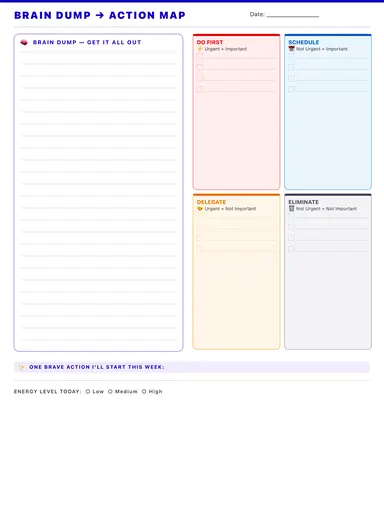
Try the brain dump template, which sorts tasks into do first, schedule, delegate and eliminate.