Monthly Planner
A full-page monthly planner with a Monday-start grid, numbered days 1 to 31 and ruled lines inside every day. Free printable PDF, or fill it in with Apple Pencil.
Free · no sign-up · PDF works for printing and in PDF note apps such as Goodnotes and Notability. Premium template in the app.
About this template
Write the month and year at the top, and the grid below does the rest. Weeks run Monday to Sunday, the days are numbered 1 to 31, and each day box has several ruled lines, enough for two or three appointments or short to-dos. Seeing the whole month on one page makes busy weeks, deadlines and free weekends easy to spot, so you can plan ahead instead of reacting.
How to use it
- Add fixed dates first: birthdays, bills, school holidays and trips.
- Use one color for work and another for personal plans so conflicts stand out.
- Keep the month for big items and move details to a daily or weekly page.
- At month's end, look at what didn't happen before you fill in the next one.
Who it's for
- Professionals: Manage meetings & deadlines
- Busy Parents: Organize family schedules
- Students: Track classes, assignments & exams
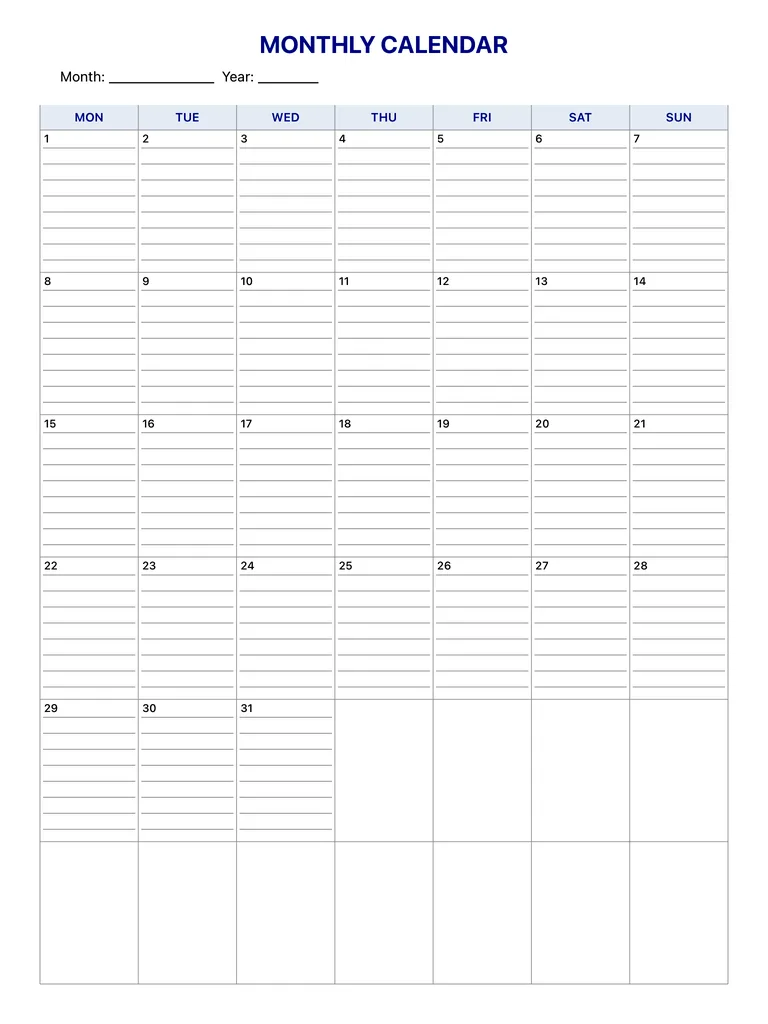
Write with Apple Pencil, a mouse or your finger. Your page is saved in this browser.
Use the Monthly Planner in Planner for iPad
A fresh page every day, 132 templates, day/week/month/year views and reminders — made for Apple Pencil.
Frequently asked questions
Do the dates match a real month?
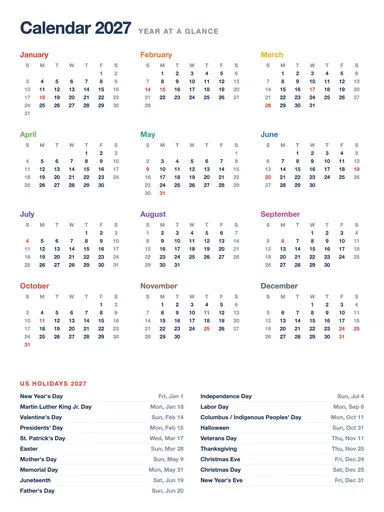
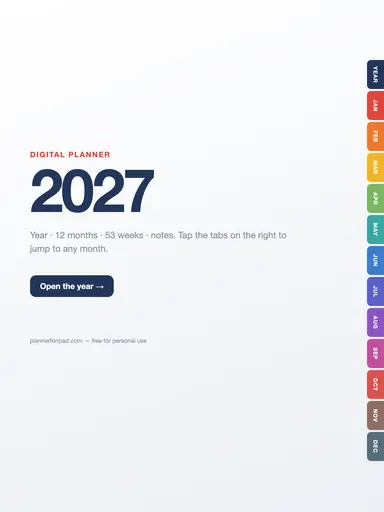
The days are pre-numbered 1 to 31 starting on a Monday, so the layout is generic. If you want dated pages, see the 2027 calendar or the 2027 digital planner.
Does the week start on Monday?
Yes, the columns run Monday to Sunday.
Can I use it with a daily planner?
That works well: keep the big picture on the monthly page and the hour-by-hour detail on a daily planner.