Travel Itinerary Template
A free printable travel itinerary: your transport and where you are staying at the top, five days with morning, afternoon and evening plans, and space for bookings, contacts and the budget.
Free · no sign-up · PDF works for printing and in PDF note apps such as Goodnotes and Notability. Made for this site.
About this template
Under the trip name and dates, two boxes hold the details you look up most often. Getting there has lines for the flight or train, departure, arrival and confirmation number; Where I’m staying has the hotel or host, address, check-in and check-out and confirmation number. Five day blocks follow, each with space for the day number and date and a line each for morning, afternoon and evening. At the bottom, Bookings & contacts and Budget have lined space for reservations, phone numbers and spending. For a longer trip, print a second page and number the days on from six.
How to use it
- Fill in Getting there and Where I’m staying as soon as you book — that is what you need at the airport and at check-in.
- Plan one main thing per part of the day and leave the evenings loose.
- Write reservation times and phone numbers in Bookings & contacts, so they work without a signal.
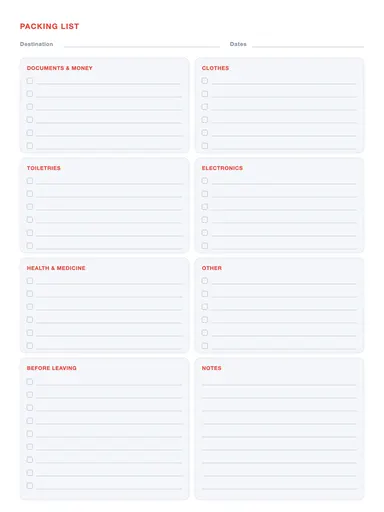
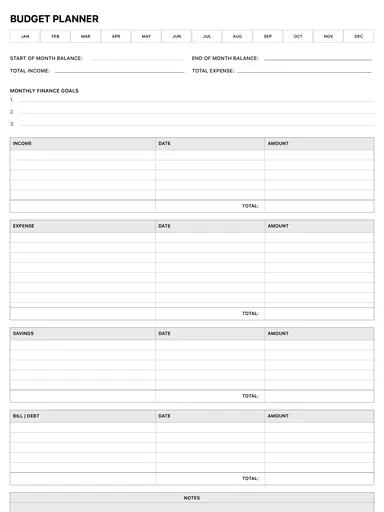
- Pack with the packing list template, and set a trip budget with the budget planner.
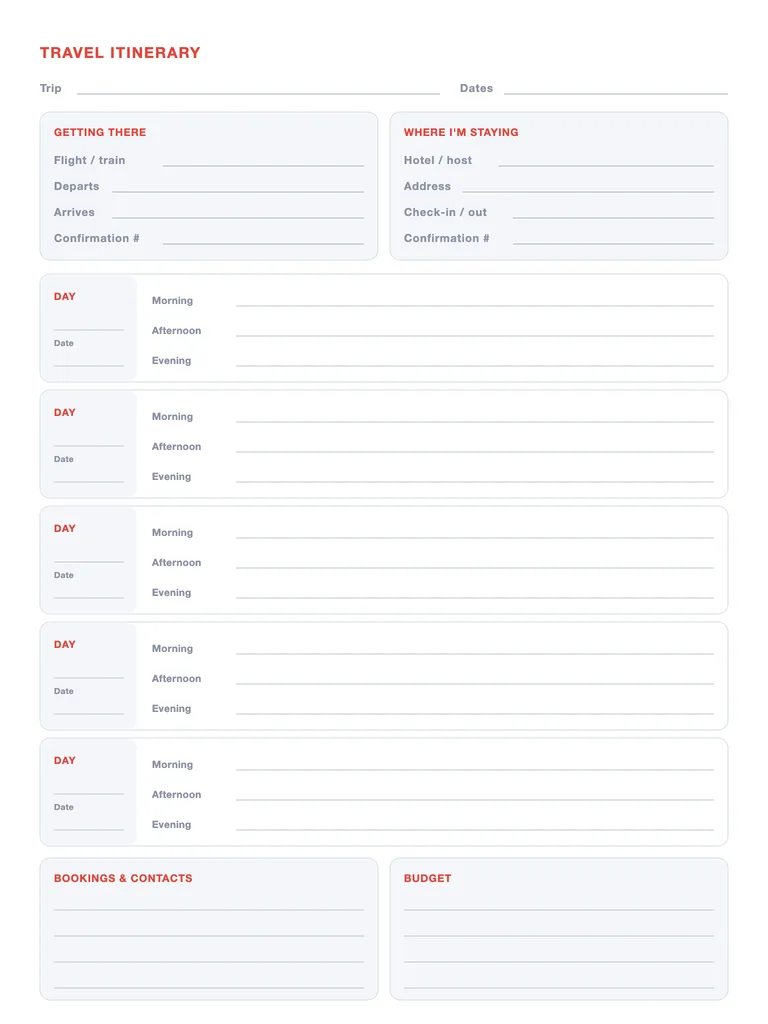
Write with Apple Pencil, a mouse or your finger. Your page is saved in this browser.

Want a planner app instead of a PDF?
Planner for iPad has 132 templates, day/week/month/year views, stickers and reminders. Free to download.
Frequently asked questions
What goes in a travel itinerary?
Transport and accommodation details with confirmation numbers, a plan for each day, important bookings and contacts, and a budget. This template has a section for each.
How many days does it cover?
Five days per page. For longer trips print or duplicate the page and keep numbering the days.
Can I use it on my iPad?
Yes. Import the PDF into Goodnotes, Notability or another PDF note app, or write on it right here with Apple Pencil.