Grocery List Template
A grocery list organized by store section: produce, dairy, bakery, meat and seafood, pantry, frozen, household and pharmacy, each with checkboxes and a price column. Free printable PDF or digital.
Free · no sign-up · PDF works for printing and in PDF note apps such as Goodnotes and Notability. Premium template in the app.
About this template
Write the date, store and budget at the top. The list is split into eight sections that follow a typical store layout: produce, dairy, bakery, meat and seafood, pantry, frozen, household and pharmacy. Each has six lines with a checkbox and a space for the price. At the bottom, fill in the total, what you actually spent and how much you saved, which makes it easy to stay near your budget week after week.
How to use it
- Check the fridge and pantry before you write, not after.
- Write estimated prices before you shop, then compare at checkout.
- Keep a running list during the week and copy it here before the trip.
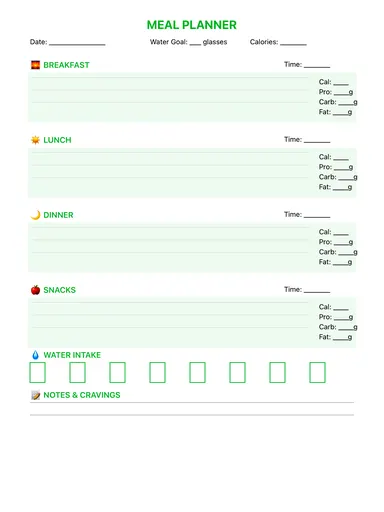
- Build it from your meal plan so you only buy what you'll cook.
Who it's for
- Professionals: Manage meetings & deadlines
- Creatives: Capture ideas & inspiration
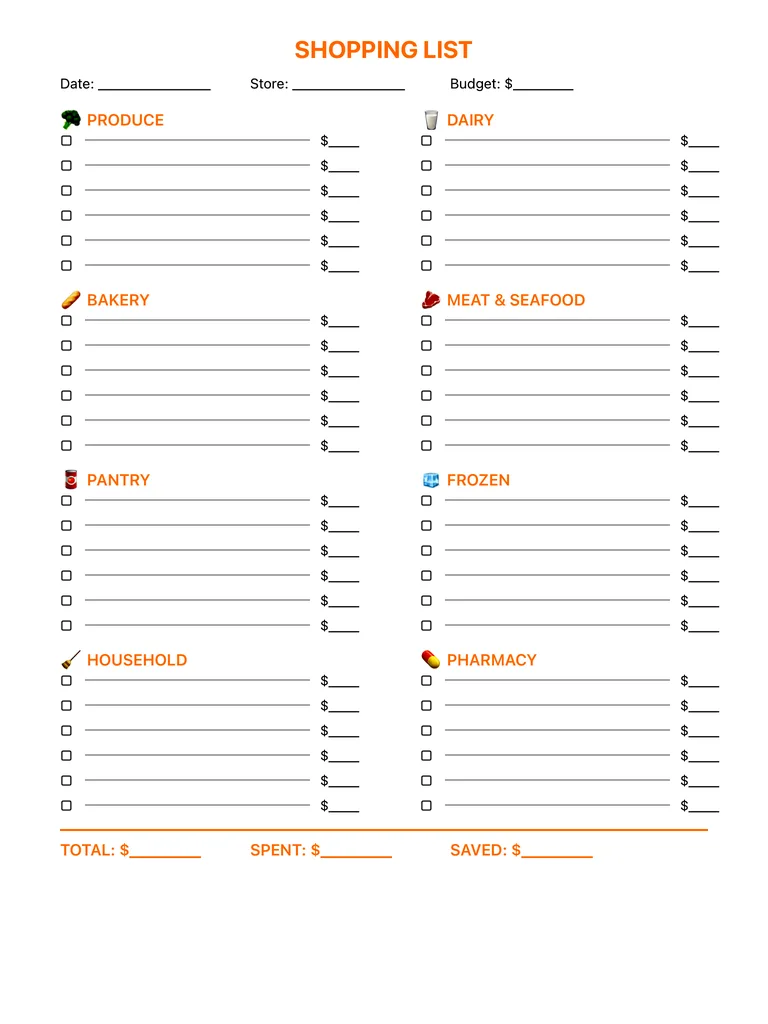
Write with Apple Pencil, a mouse or your finger. Your page is saved in this browser.
Use the Grocery List Template in Planner for iPad
A fresh page every day, 132 templates, day/week/month/year views and reminders — made for Apple Pencil.
Frequently asked questions
Why sort a shopping list by category?
You walk the store once instead of doubling back, and it's easier to spot what's missing in each section.
Can I use it as a printable shopping list?
Yes. Print the PDF, or keep it on your iPad and tick items with Apple Pencil as you shop.
Can it help with a grocery budget?
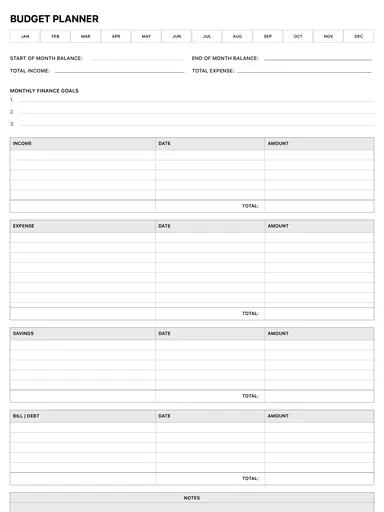
Yes. There's a budget line at the top, a price column on every item, and total, spent and saved fields at the bottom.